How to Whitelist a Domain in Office 365
Steps to Whitelist a Domain in Office 365
- Open https://outlook.office365.com/ecp/
- Protection -> Spam filter -> Default -> Allow lists ->Add the sender domain under Domain allow list -> Ok ->Save
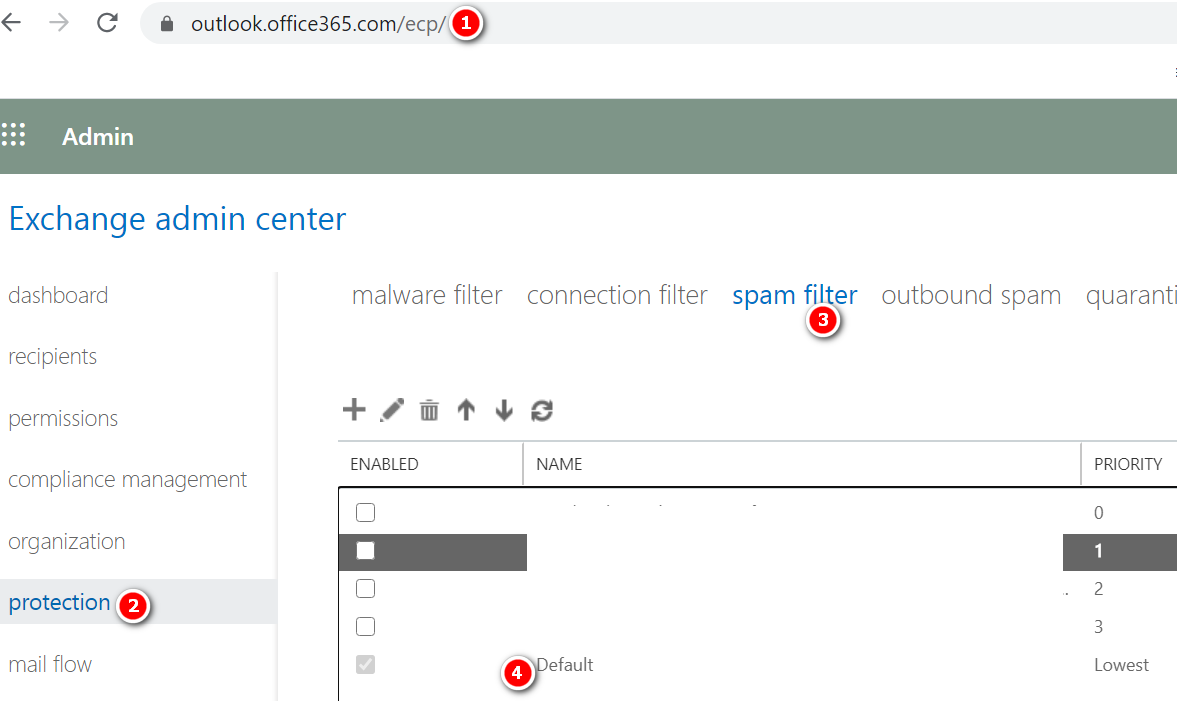
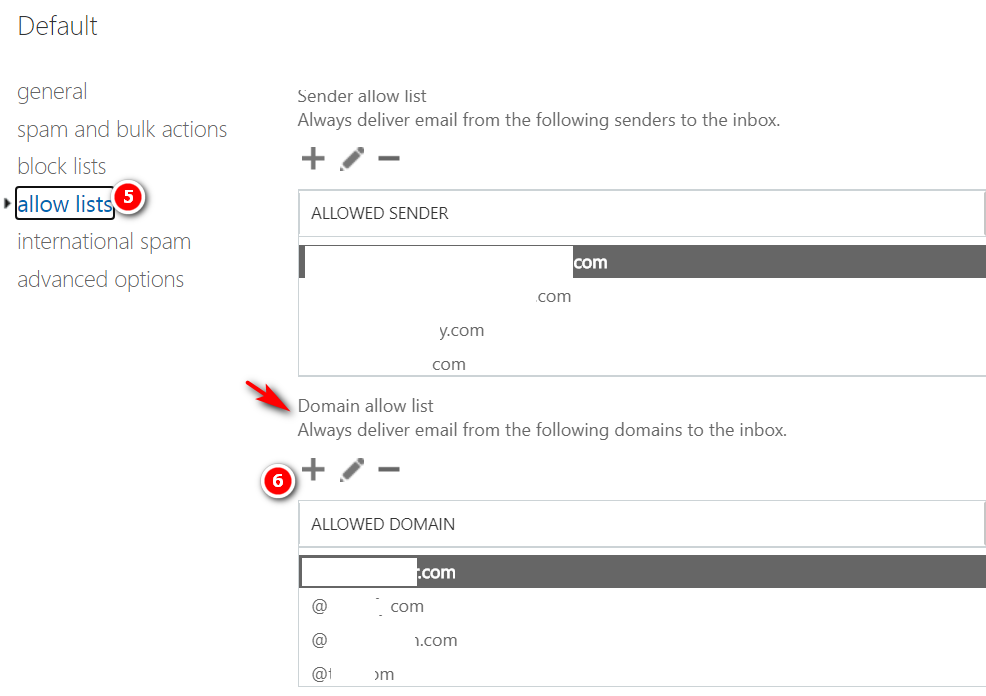
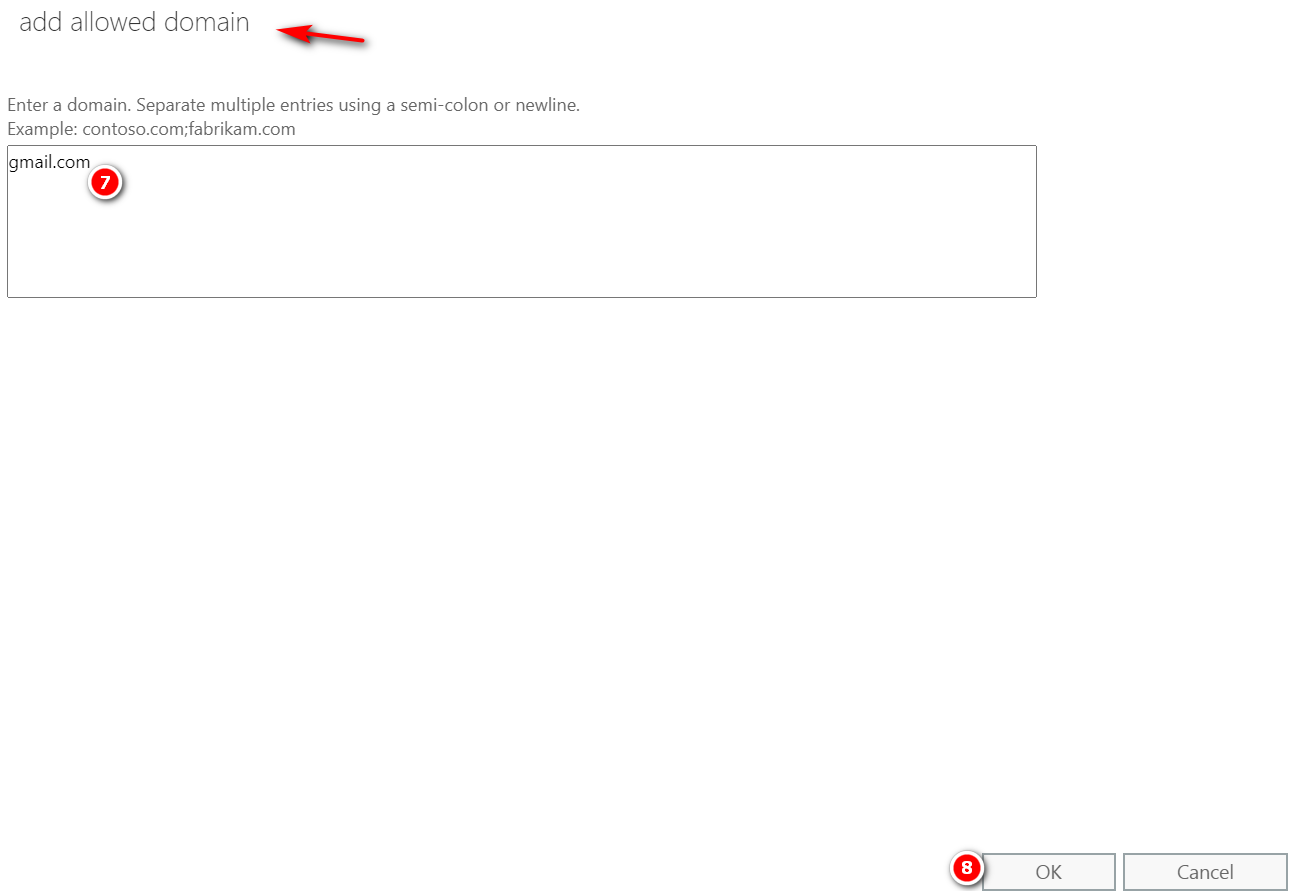
Steps to Whitelist a Domain in Office 365
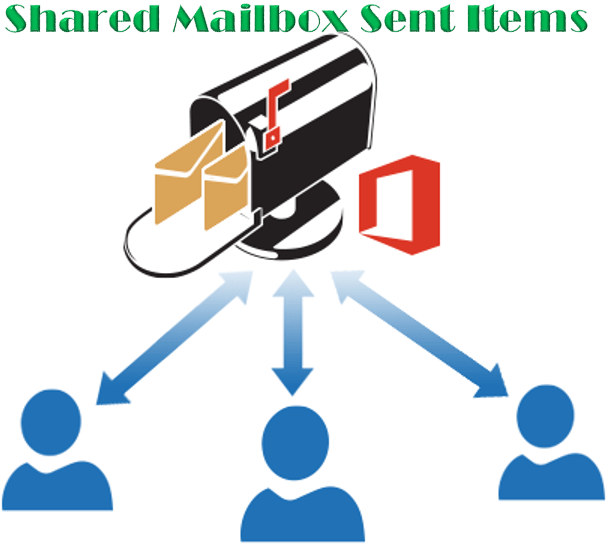
When a user sends an email from a shared mailbox the sent emails are stored on the user’s personal Sent Items folder instead of the shared mailbox’s sent Items folder. We can fix this behavior by following one of the below methods. By modifying the registry key on each computer where the shared mailbox is…

Message Tracking – SonicWALL Email Security Login to SonicWALL Email Security Control Center (CC) Click Investigate Tab Under the Logs Option Select Message Logs. Select Inbound or Outbound Option In the Simple Search Box enter the Text Sender or Recipient email address (TO/FROM), or Message Subject and click Search Now it will show all the…
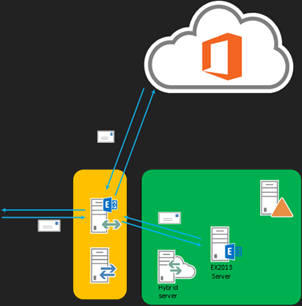
Inbound messages from the Internet You must manually configure your MX record if you want to change how your inbound Internet mail is delivered. If you change your MX record to point to the Exchange Online Protection service in Office 365 If you decide to keep your MX record pointed to your on-premises organization Scenario…

SonicWALL Email Security Current Firmware Version Login to SonicWALL Email security Control Center (CC) Click Manage Click Firmware Update
Exchange Online Protection Exchange Online Protection is a cloud-based anti-spam and antivirus solution. Organizations can choose to deploy it as a single solution or a hybrid solution together with the Exchange Server on-premise antivirus protection. Because this is a cloud-based product, it does not require any hardware or software deployment. Instead, the current Mail Exchanger…

Steps to Whitelist an IP address in Office 365 Open https://outlook.office365.com/ecp/ Protection -> Connection filter -> Default -> Connection filtering ->Add the IP address under IP Allow list -> Ok ->Save